

Web Design
Google Business Profile: Get Your Business Found on Google
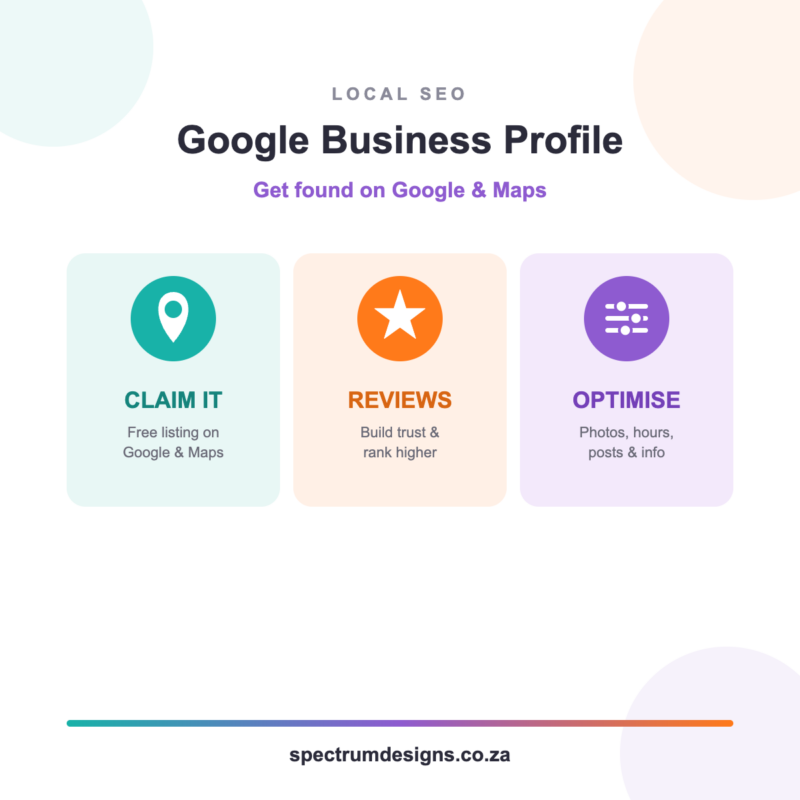
When someone in your area searches Google for a business like yours, the first thing they see usually isn’t a website — it’s a little map with business listings underneath. That listing is called a Google Business Profile (you may know it as Google Places or Google My Business), and it’s one of the most powerful free marketing tools your business has.
Here’s how it works, why reviews matter so much, and a few simple tips to get yours working harder for you.
What is a Google Business Profile?
It’s your free business listing on Google. Once it’s set up, your business can appear on Google Search and Google Maps with your name, photos, opening hours, phone number, directions, website link and reviews — all in one place. For local businesses, it’s often the very first thing a potential customer sees. Best of all, it costs nothing to claim and set up.
Why reviews matter so much
Reviews do two big jobs. First, they build trust — most people read reviews before they call or buy. A few recent, positive reviews can be the difference between a customer choosing you or the business next door.
Second, reviews help you rank higher. Google tends to show businesses with more (and better) reviews nearer the top of local results. More reviews usually means more visibility, which means more customers.
How to get more reviews
- Just ask. Most happy customers are glad to leave a review — they simply forget. Ask at the moment they’re happiest.
- Make it easy. Send them a direct link to your review page (we can set this up for you).
- Reply to every review. Thank people for good ones and respond calmly to any negative ones. It shows you care.
- Keep them coming. A steady trickle of fresh reviews looks far better than a burst once a year.
Top tips to optimise your profile
- Fill in everything. Complete every field — hours, services, phone, website, area served. A complete profile ranks better.
- Choose the right categories. Pick the category that best describes your business, plus any relevant extras.
- Add good photos. Real photos of your work, team and premises build trust and get more clicks. Add fresh ones now and then.
- Keep your details consistent. Your business name, address and phone number should match exactly across your website, Facebook and Google.
- Use Google Posts. Share updates, offers and news right on your profile — it shows Google (and customers) that you’re active.
- Answer questions. People can post questions on your profile — answer them quickly and helpfully.
A little effort goes a long way
You don’t need to do all of this at once. Claim your profile, add your details and a few photos, and start gathering reviews. Small, steady improvements add up — and because your profile works around the clock, the effort keeps paying off long after you’ve made it.
Not sure where to start, or want us to set it up and optimise it for you? We’re happy to help.
Helpful resources
- SEO Injection – once-off SEO service
- Your SEO Questions Answered
- Why Every Business Needs Both a Website and Social Media
- Website Growth & Maintenance Options
